APK · Android
Winner11 download and APK install
This page stops when the app opens from your launcher. OTP and phone entry start on login help—do not mix the two flows. APK button: header Download APK.
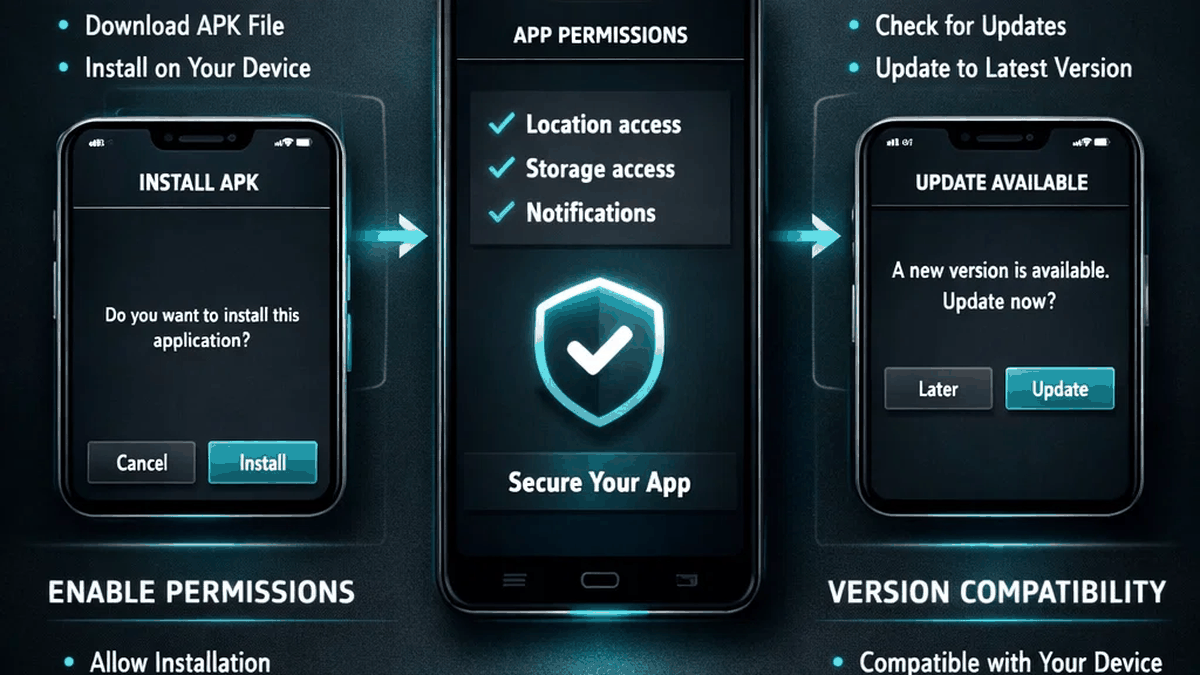
Before you tap “install”
Confirm you are on a trusted distribution path. After install, open the app from your launcher—not from a browser tab that mimics an interface. The app overview shows what a real build tends to look like.
Install flow
- Download the APK package (header: Download APK →
/winner11.apk). - Allow the browser or file manager to install unknown sources if Android asks—only when you trust the file origin.
- Complete the package installer steps, then launch Winner11.
- Move to login help for OTP, or register if you have never created access.
Android compatibility
Most current Indian phones on Android 8+ handle sideloaded APKs if storage space and permission dialogs are accepted. If install fails immediately, see support for a download-versus-access split so you do not waste time on the wrong fix.
Launcher open—then leave this page
After install, open Winner11 from the app drawer—not a browser tab pretending to be the app. Mobile number + OTP happens only inside that build; walkthrough: login help. If the UI looks wrong before you even type a number, use pre-install checks. Hostname confusion: .com vs .io guide or FAQ.